 Video Splitter
 Video Joiner
 Audio Recorder
Part 1. How to Register ApowerShare Video Splitter
ApowerShare Video Splitter only offers a free trial for users to cut two videos files. After the free trial expires(15 days), if you want to continue using the software to split your video files, you need to register the software to unlock all features. So how to purchase and activate the registered ApowerShare Video Splitter? Here's the guide you need to follow.
STEP 1. Purchase License for ApowerShare Video Splitter
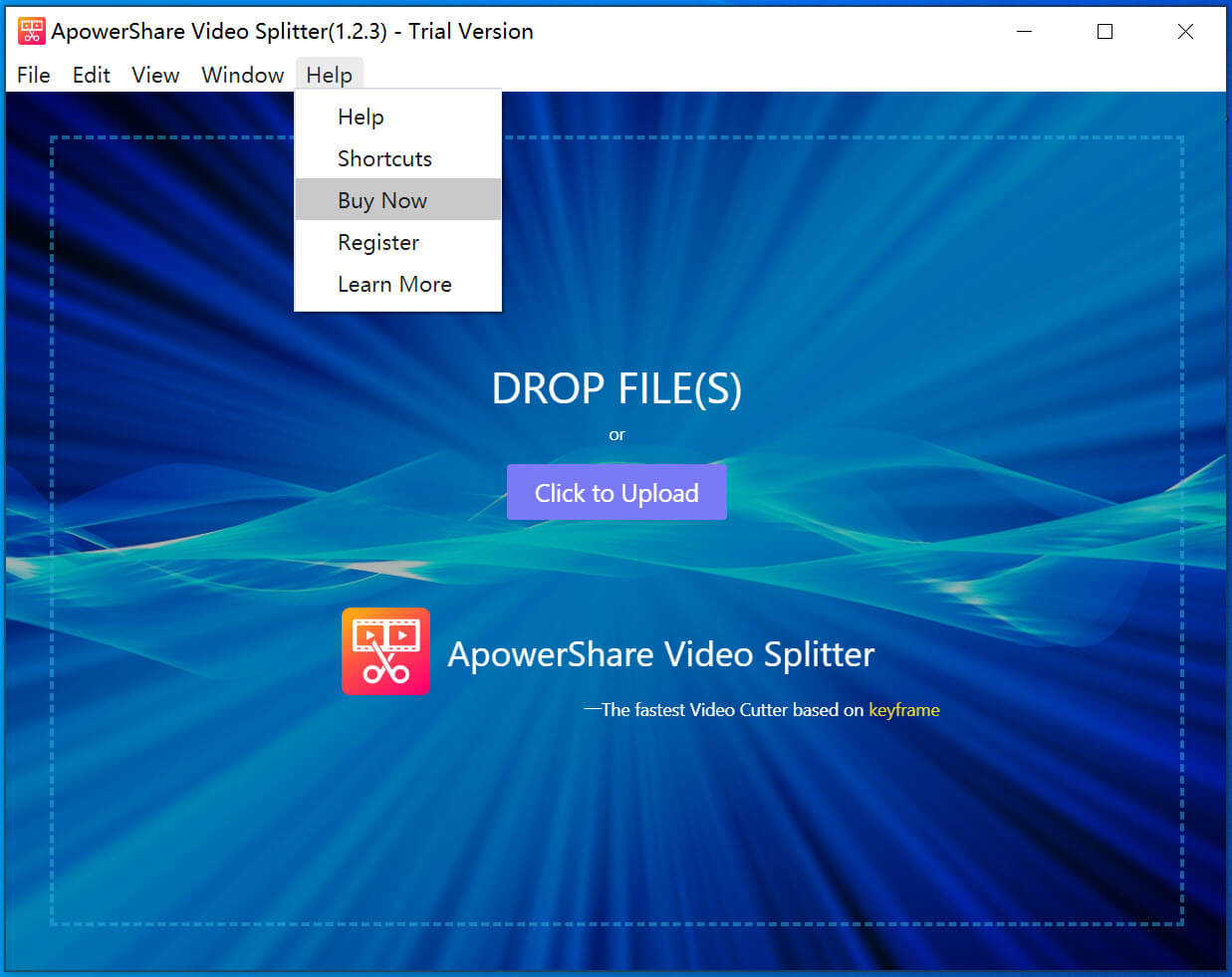
When you launch ApowerShare Video Splitter under a free trial, if you want to unlock all features, please hit "Buy Now" to get a license if you don't have one.
STEP 2. Receive License Key in Email
During the purchase, you are required to enter your email address to receive the license key. Once the purchase completes, open your mail box and check whether you have received it.
STEP 3. Activate ApowerShare Video Splitter
When you successfully receive the license key, simply navigate back to ApowerShare Video Splitter and hit to “Help” option on the top right, then click "Register " on the status window.
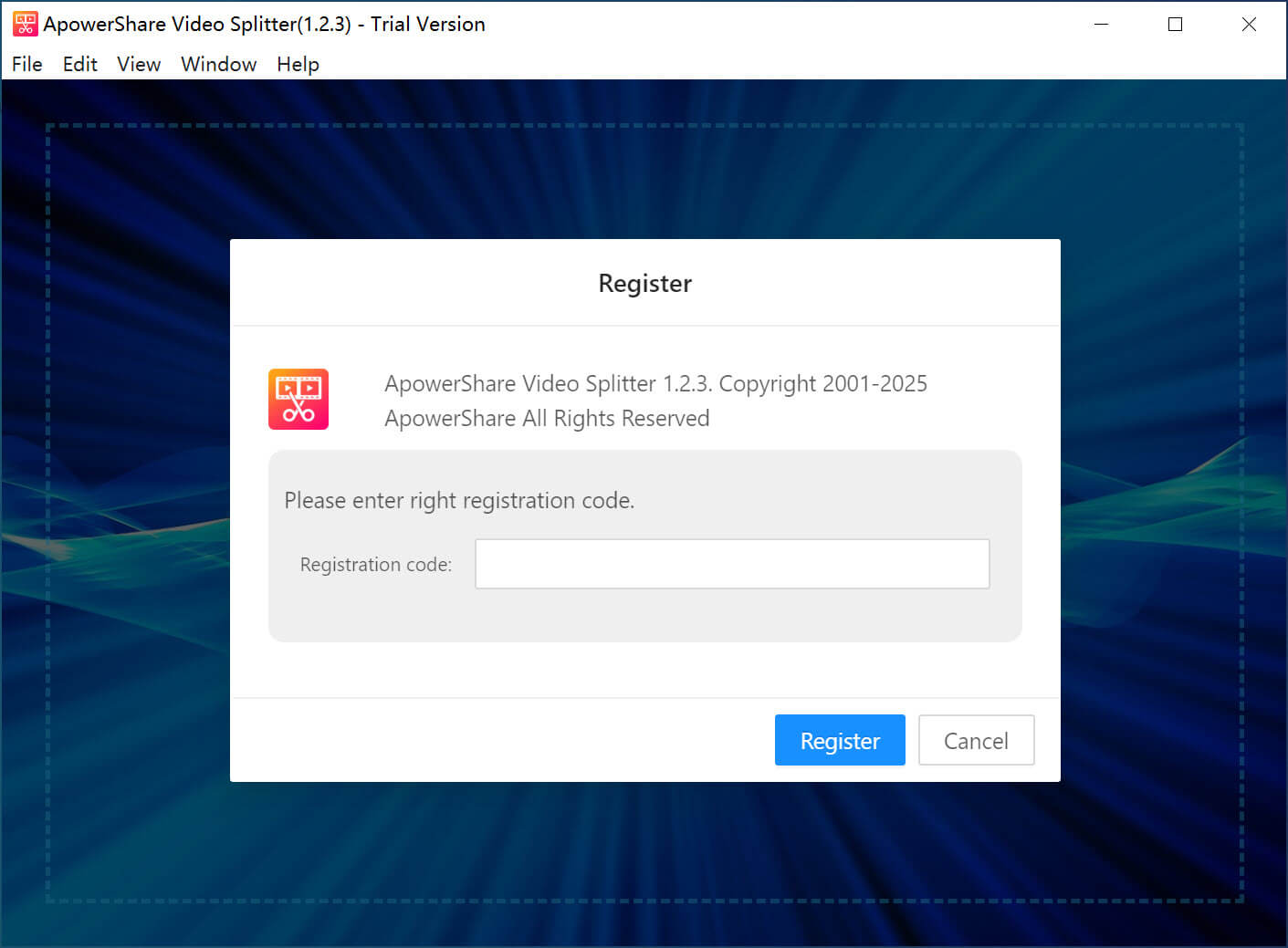
Now copy and paste your license code, then clicking “Register” button, the software will be registered successfully.