 Video Splitter

Split Video into Multiple Parts Lossless
ApowerShare Video Splitter is a lightweight but professional video splitter tool that helps you effortlessly split long/large video files into two, three, or more parts in a single click, most video format supported, including MP4, MOV, WMV, WMA, MKV, AVI, FLV, MPEG, etc.

Split Any Videos into Several Parts Lossless
With advanced technique used in video encoding and transcoding technology, ApowerShare Video Splitter supports to split video files to source file format without re-encoding, and keep the original audio/video quality.
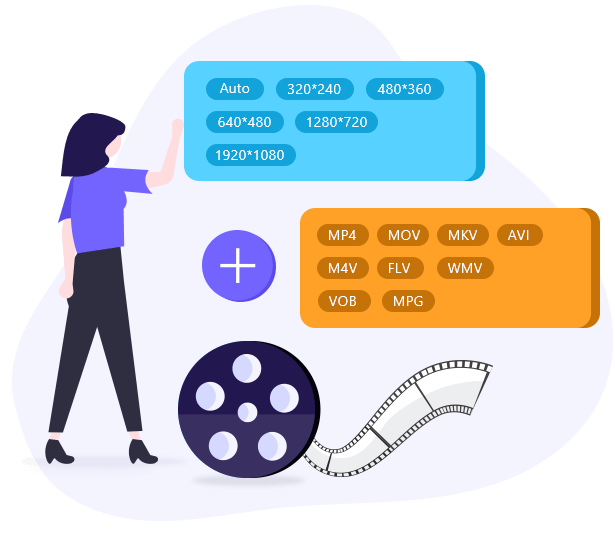
4 Kinds of Splitting Methods
You can freely extract specific parts of the video by setting the start and end time. In addition, you can also split the video file into equal parts by time, file size or keyframes.
Ease to Cut Video Files in 2 Split Mode
ApowerShare Video Splitter is easy to operate, no editing skills required. You can split video files to source file format without re-encoding in Keyframe Mode, or split a large video file into smaller equal files or custom duration videos in Encode Mode.
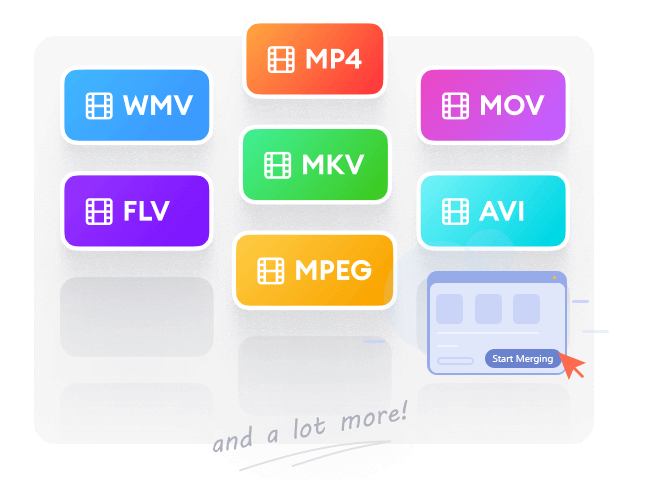
Split Videos at Super-fast Speed
Speed is of the essence when splitting your long video files. ApowerShare Video Splitter employs accelerated tech to achieve 10X super-fast speed, saving you much time and effort.

Take ScreenShot from Videos
ApowerShare Video Splitter also lets you extract a frame from a video, and save them as JPG or PNG images, or even animated GIF images. Thus, you can upload or share the images or GIFs freely.
Step 1. Add a Video File
Launch program and click "Click to Upload" button to add a video.

Step 2. Select Video Segments
Choose Splitting Mode and set the split points.

Step 3. Start Splitting Video
Click "Export" button to start splitting your video file.

1. What are the limitations of a free trial version?
ApowerShare Video Splitter offers new users a 13-day free trial. Users can split/cut videos into small clips for free. To enjoy unlimited video Splitting, you need to purchase a license and register it.
2. How to activate ApowerShare Video Splitter?
When you purchase a license of ApowerShare Video Splitter, you will receive a registration code via email. Download and launch the software on your computer. It will pop up a free-trial window. Then, enter your registration code and click "Register" to complete the activation. Alternatively, you can click "Help" > "Register", and enter the registration code in the new window to complete the activation.
3. What merging speed does ApowerShare Video Splitter support?
"Direct Splitting Mode" is faster than "Encode Splitting Mode", up to 10 times faster, but only files with the same format and the same properties can be connected in this mode.
4. Can I split a video into frames?
Yes. ApowerShare Video Splitter allows you to extract video frames and save to JPG, PNG, or GIF Images.
5. Can I transfer my license to a different computer?
Of course. If you have a full license, you can transfer it to another computer. It's 100% free. Please contact ApowerShare Support Teamwith your valid order information and the email address used for purchase. They will help you re-active your license code. Then, you can register the software on another computer.
Download. Share. Enjoy Your Video Freely

Secure
All data exchange during the payment process is SSL-secured.

Support
24*7 email support to ensure the shopping and using of our product.

Money-Back
Get the free trial before your purchase. We offer 30-day money back guarantee.

Update
We offer lifetime updates & services for all ApowerShare customers.
We Accept:

PRODUCTS
COMPANY
Copyright © 2025 ApowerShare All rights reserved.
 Video Joiner
 Audio Recorder